
The internet is a huge part of everyday life for children now.
They use it to watch videos, play games, talk to friends, learn new things, complete schoolwork and explore their interests. And while the online world can be an amazing place for creativity and learning, it also comes with a few things that parents need to be aware of.
Keeping children safe online doesn’t necessarily mean banning apps, taking devices away or constantly checking everything they do.
For me, it’s much more about helping children understand how to use technology safely and responsibly while making sure they know they can always come to us when something doesn’t feel right.
Here are 12 practical things parents can do to help children enjoy the internet while staying safer online.
1. Talk About What They Do Online
One of the simplest things we can do is talk.
Ask your child what games they’re playing, what videos they’re watching and which apps they enjoy using.
Instead of only asking questions when you’re worried about something, make conversations about technology part of normal everyday life.
You might be surprised by how much children want to tell you when they don’t feel like they’re being questioned or judged.
Ask things like:
- What’s your favourite game at the moment?
- Who do you usually play with?
- What videos have you been watching lately?
- Is there anything online that you don’t understand?
The more normal these conversations become, the easier it may be for your child to speak to you when something uncomfortable happens.
2. Take an Interest in Their Favourite Games and Apps
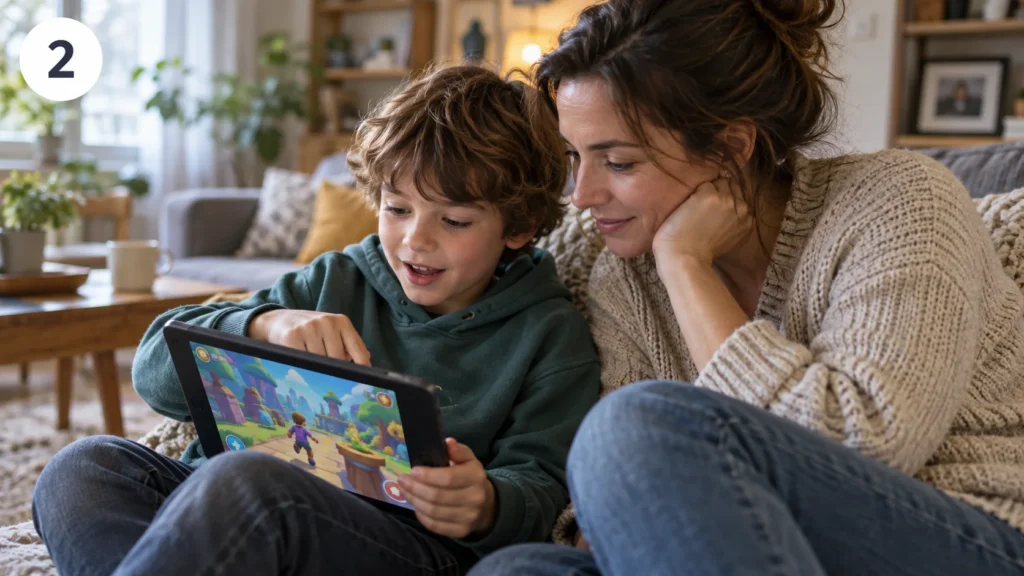
You don’t have to become an expert on every new app your child downloads.
But having a basic idea of how their favourite platforms work can make a big difference.
Ask them to show you their favourite game.
Let them explain how it works, what they enjoy about it and who they communicate with.
Children often love being the person teaching the adult for a change.
It also gives you a natural opportunity to understand whether a game includes things such as messaging, friend requests, public profiles, purchases or interaction with strangers.
3. Make Sure They Know They Can Tell You Anything

Children sometimes hide uncomfortable online experiences because they’re worried their phone, tablet or game will be taken away.
Try to make it clear that they won’t automatically get into trouble for telling you about something they’ve seen.
If they come across a frightening video, an inappropriate message or someone behaving strangely, knowing they can speak to you is incredibly important.
Try to stay calm first and deal with the situation together.
You can always discuss rules afterwards.
The first priority should be making sure your child feels safe enough to tell you what happened.
4. Teach Them What Personal Information Means
Children may understand that they shouldn’t give a stranger their home address, but personal information goes much further than that.
Explain that they should be careful about sharing things such as:
- Their full name
- Home address
- Phone number
- School name
- Email address
- Passwords
- Live location
- Daily routines
- Photos showing where they live or go to school
Even small pieces of information can sometimes reveal more than children realise.
A good rule is to encourage them to ask a trusted adult before sharing personal information online.
5. Check What Photos Reveal
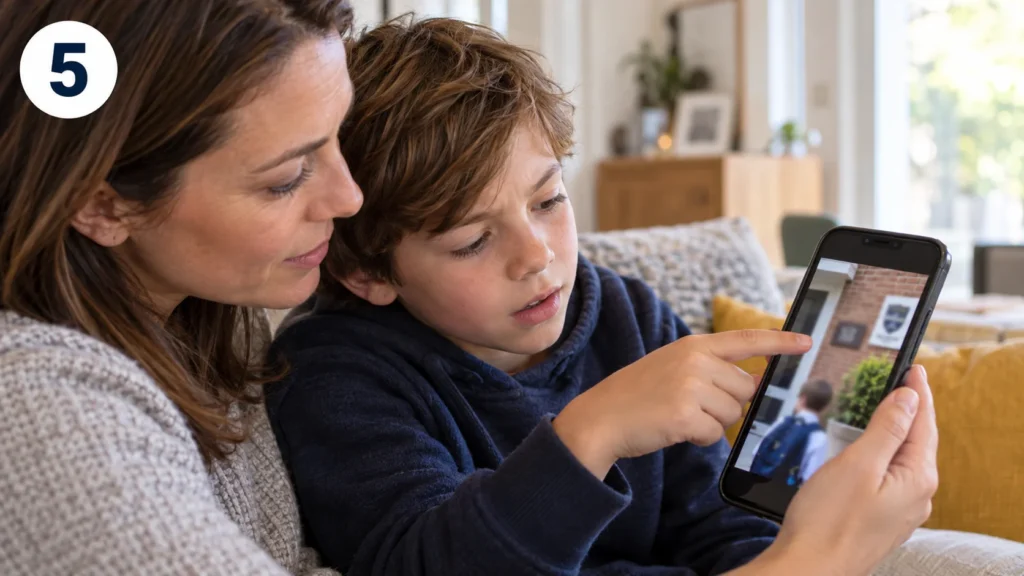
Photos can contain lots of information in the background.
Before posting or sharing a picture, encourage children to look carefully at what’s visible.
A school uniform, street sign, house number, sports club badge or location in the background could reveal where they are.
It’s a useful habit for adults too.
Before sharing family photos publicly, take a few seconds to check what information is visible in the image.
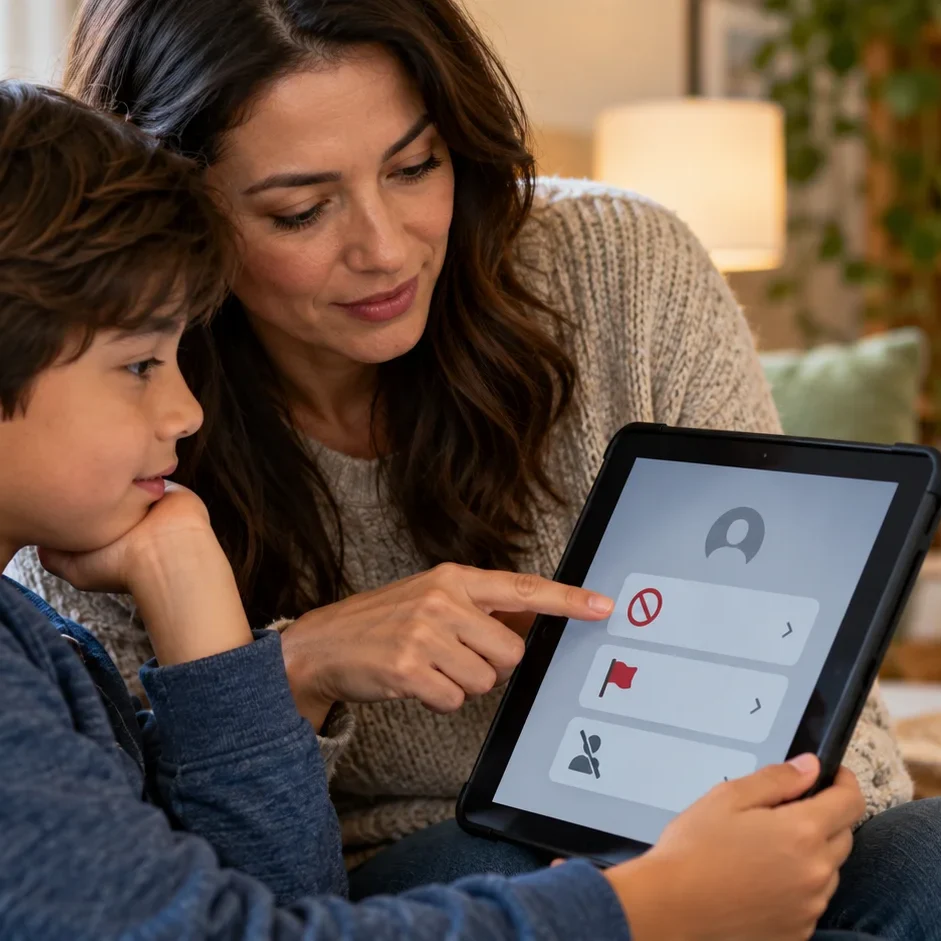
6. Learn How to Block and Report
Blocking and reporting shouldn’t feel like something children only use in an emergency.
Show them how these tools work before they ever need them.
Most social networks, games and messaging platforms include options for blocking users and reporting inappropriate behaviour or content.
Explain that they don’t have to continue talking to someone who is making them uncomfortable.
If someone is rude, threatening, inappropriate or repeatedly contacts them after being asked to stop, blocking and reporting can be an important first step.
7. Remind Them That Not Everything Online Is True
The internet can make almost anything look convincing.
Photos can be edited, videos can be taken out of context and people can pretend to be somebody they’re not.
Children need to learn that seeing something online doesn’t automatically make it true.
Encourage them to ask simple questions:
Who created this?
Where did the information come from?
Is another reliable source saying the same thing?
Does this look designed to shock or scare people?
Learning to question information is becoming just as important as learning how to find it.
8. Review Privacy Settings Together
Privacy settings can change, especially after apps are updated.
Every so often, sit down together and check the privacy settings on the apps your child uses.
Depending on the platform, you may be able to control who can:
- See their profile
- Send messages
- Send friend requests
- View photos
- Comment on posts
- See their location
- Add them to groups
For younger children, keeping profiles private and limiting communication to people they actually know can be a sensible starting point.
9. Use Parental Controls as a Helpful Tool

Parental controls can be useful, especially for younger children.
Phones, tablets, games consoles, streaming services and home internet connections often include options for controlling content, purchases and screen time.
You might use them to prevent accidental purchases, limit unsuitable content or control when devices can be used.
But parental controls shouldn’t replace conversations.
Children grow up, technology changes and they eventually become responsible for making their own decisions.
The long-term goal is helping them understand why certain boundaries exist.
10. Create Simple Family Technology Rules

Having a few clear family rules can prevent arguments later.
They don’t need to be complicated.
Your family might decide that:
- Phones stay away from the dinner table.
- Devices charge outside bedrooms overnight.
- New apps need permission before downloading.
- Everyone has some screen-free time during the day.
- Children should tell an adult if someone online asks them to keep a secret.
- Nobody shares another person’s photo without asking.
It can help if some of the rules apply to adults too.
Children notice very quickly if they’re being told to put their phone away while everyone else is scrolling.
11. Teach Children to Think Before They Post
Posting something online can take seconds.
Removing it completely can be much harder.
Screenshots can be saved, messages can be forwarded and photos can be copied.
Encourage children to stop for a moment before posting and ask themselves:
Would I be comfortable if my family saw this?
Could this upset somebody?
Does this reveal personal information?
Would I still be comfortable with this being online in a few years?
Helping children develop that little pause before posting can become a very valuable habit.
12. Encourage Kindness Online
Children should understand that the person behind the screen is still a real person.
Messages that seem funny in a group chat can genuinely hurt somebody.
Encourage children to treat people online with the same respect they would use face to face.
They also don’t have to join in when other people are being cruel.
Leaving a conversation, blocking somebody or telling a trusted adult is perfectly okay.
Online Safety Is an Ongoing Conversation
There probably isn’t one perfect set of internet rules that works for every family.
Technology changes incredibly quickly, and the apps children use today may be completely different next year.
What matters most is keeping the conversation open.
Take an interest in what your children enjoy online, explain the reasons behind your family rules and make sure they know they can speak to you when something worries them.
Children don’t need to be frightened of the internet.
They need the knowledge and confidence to recognise when something isn’t right and to know what they can do about it.
With a little guidance, some sensible boundaries and plenty of communication, children can enjoy all the creative, educational and entertaining things the online world has to offer while developing healthier digital habits along the way.